Transfer Companion: SMS Backup
Wide Angle Software Ltd
Downloads
1,000,000+
Version
Latest
Click to download now, finish the installation quickly, and directly unlock the all-round experience
Screenshots
Click to download now, finish the installation quickly, and directly unlock the all-round experience
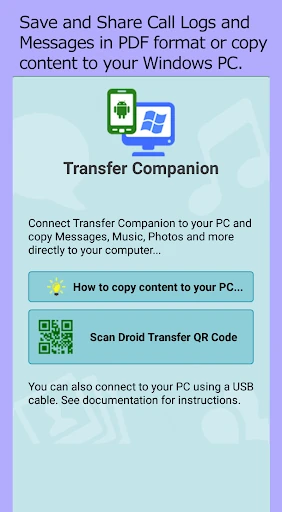
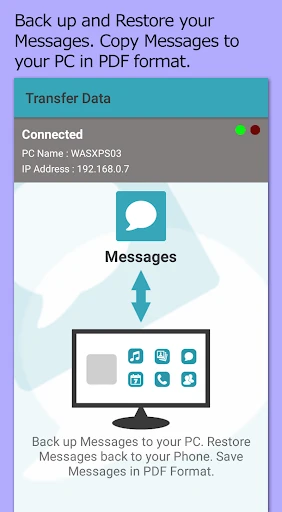
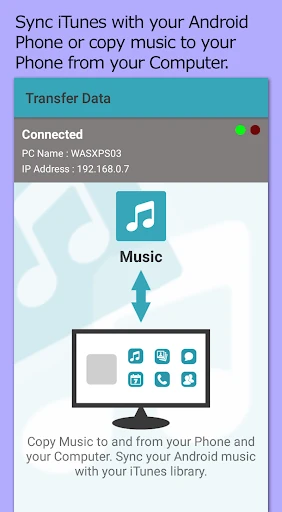
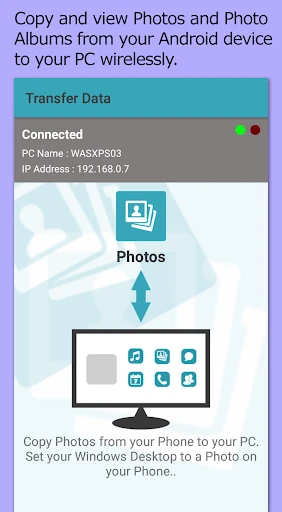
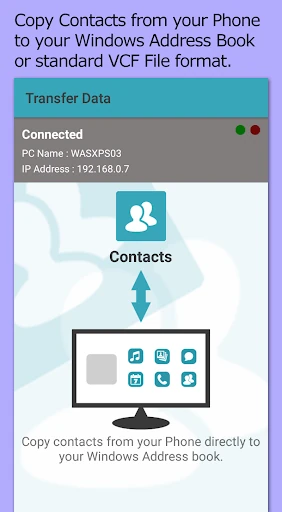
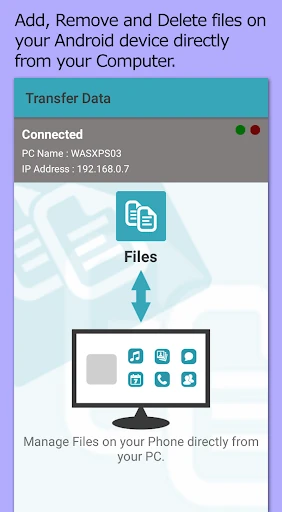
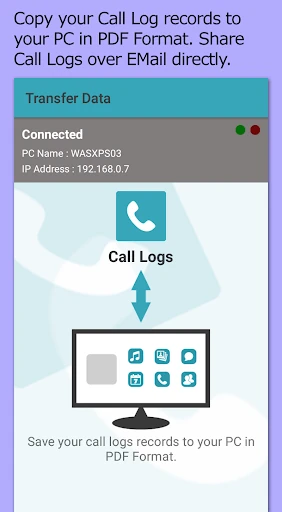
Transfer Companion: SMS Backup is a desktop-linked utility for moving and preserving data from an Android phone. Its main job is handling SMS and MMS conversations, with exports to PDF, HTML, or plain text. It can also help transfer message histories to another phone, making it a fit for people changing devices or keeping searchable records of important conversations.
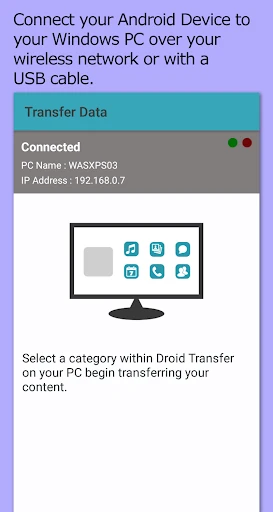
This is not a standalone cloud backup service. It works with Wide Angle Software Ltd’s Droid Transfer PC software and uses a local Wi-Fi or USB connection between the phone and computer. That setup will suit users who want their messages and other phone data handled through a computer rather than sent to an online storage service.
The useful distinction is its computer-first workflow. If you only need automatic message backup in the background, a cloud-focused alternative may be a closer match. If you need readable message files, local transfers, or a broader desktop record of phone data, its narrower purpose is more relevant. The app’s local connection model also matters if keeping data off third-party servers is part of your decision.
Transfer Companion: SMS Backup has 1,000,000+ installs and a rating of 1.79 from 4,338 reviews. That is a low user score despite broad reach, so the desktop dependency and transfer process deserve attention before choosing it. The developer is Wide Angle Software Ltd, and the app is listed under Productivity.