Quick Cursor: One-Handed mode
Sergiu Șandor
Downloads
1,000,000+
Version
Latest
Click to download now, finish the installation quickly, and directly unlock the all-round experience
Screenshots
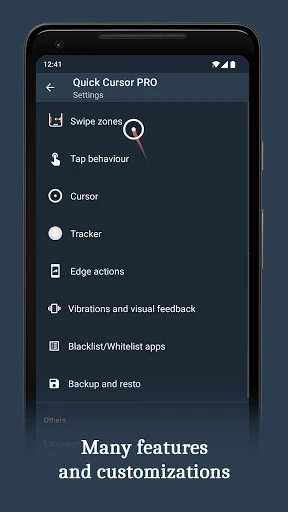
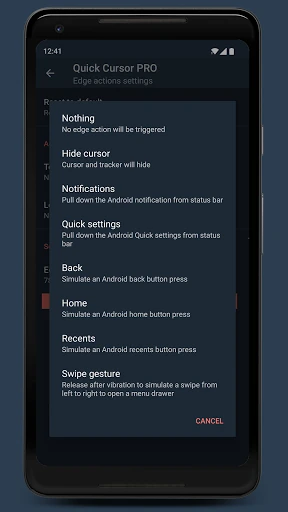
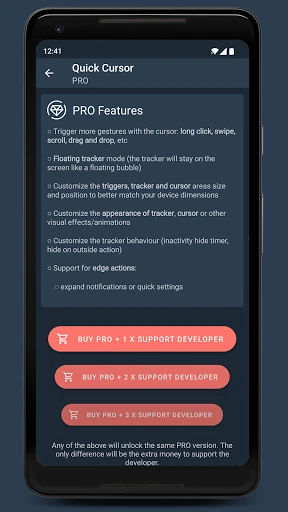
Click to download now, finish the installation quickly, and directly unlock the all-round experience
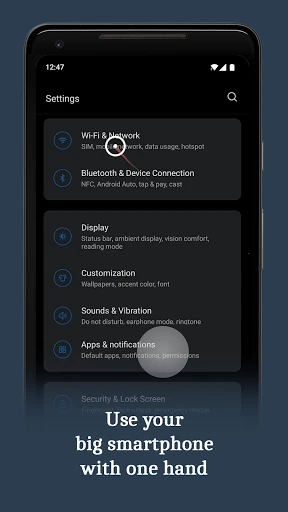
Quick Cursor: One-Handed mode is a productivity utility for controlling hard-to-reach parts of an Android screen with one hand. It places a movable pointer within thumb range, so you can tap items near the top of a large display without shifting your grip or stretching your thumb across the phone.
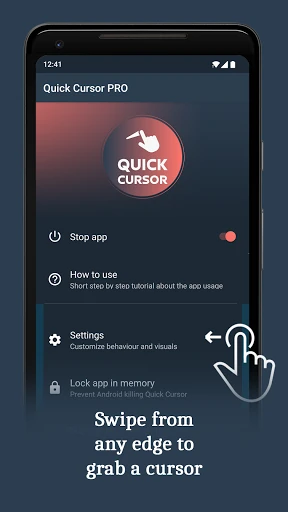
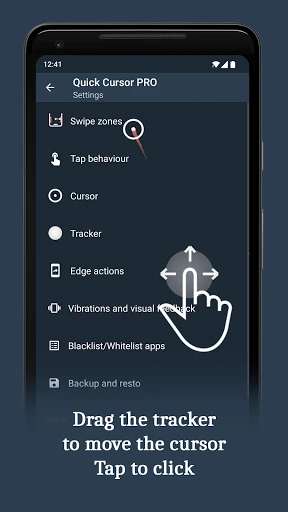
This is mainly useful on large phones, including models where the upper half of the screen is awkward to reach. It can also help users who have limited thumb movement or prefer a cursor-like control method. The pointer is summoned from a screen edge and controlled from a lower area, separating where you move your thumb from where the tap lands.
The app has a 4.44 rating from 2,927 reviews and has recorded 1,000,000+ installs. Those figures show broad adoption and a generally positive response, but they do not tell you whether the edge gesture will feel natural on your particular phone. Quick Cursor is developed by Sergiu Șandor. Its main trade-off is the adjustment to a pointer-and-tracker interaction: users who want a simple lowered screen may prefer a built-in one-handed mode, while users who need precise access to the top of the display may find this approach more suitable.