
Click to download now, finish the installation quickly, and directly unlock the all-round experience
Screenshots




Click to download now, finish the installation quickly, and directly unlock the all-round experience
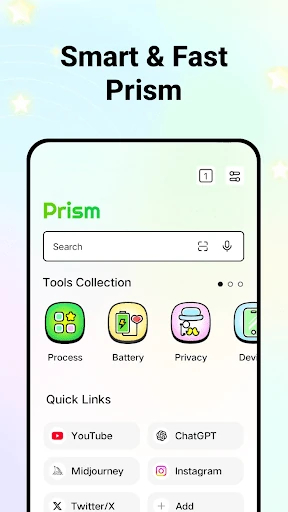
Prism: AI Quick Path Browser is a web browser for people who want common online destinations and device tools in one place. Its shortcuts link to AI platforms and popular websites, while its browser functions cover everyday navigation, bookmarks, history, cache and cookies.
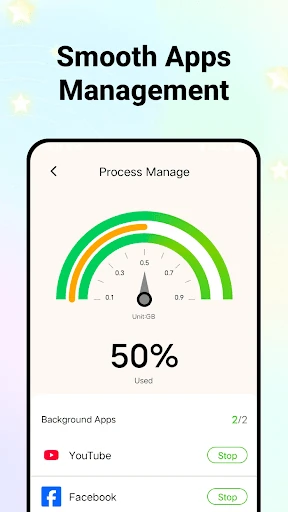
The main distinction is its combination of web access and device information. Alongside browsing, Prism can show details about device performance and battery status. It also includes a process-management tool for reviewing background activity and closing selected non-essential processes.
Prism makes sense for users who prefer a browser with built-in shortcuts and basic device-monitoring tools rather than a browser focused only on opening websites. It may also suit anyone who regularly moves between AI services, news pages and saved sites. If you want a minimal browser with fewer bundled utilities, its broader toolset is the main point to weigh.
Prism has a rating of 4.06 out of 5 from 2,529 reviews, with 500,000+ installs. Those figures show an established user base, but they do not say which features matter most to each person. The developer listed is James c. Ross. Compare the browser’s shortcuts, device tools and data controls with the functions you actually use before choosing it.