
Click to download now, finish the installation quickly, and directly unlock the all-round experience
Screenshots
Click to download now, finish the installation quickly, and directly unlock the all-round experience
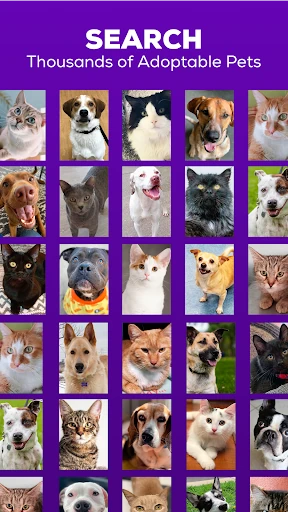
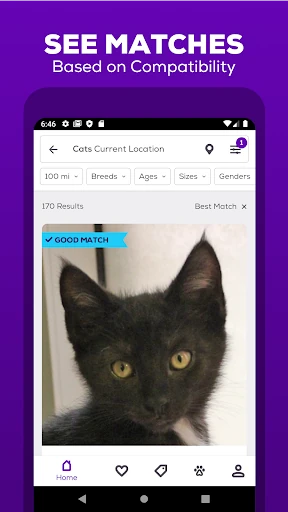
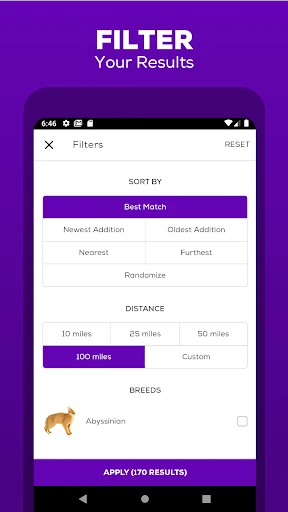
Petfinder - Adopt a Pet is a Lifestyle app for people comparing adoptable animals from shelters and rescue organizations. It brings pet listings into one searchable place, covering dogs, cats and other companion animals. Search results can be narrowed by details such as breed, age, size, gender and location, which is useful when your home, schedule or household puts practical limits on the kind of pet you can adopt.
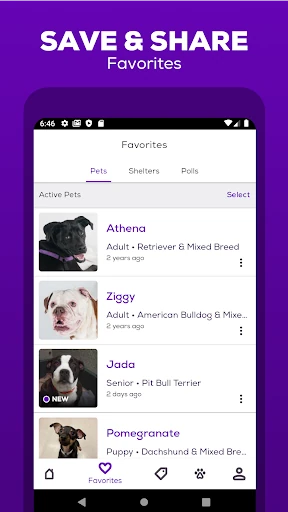
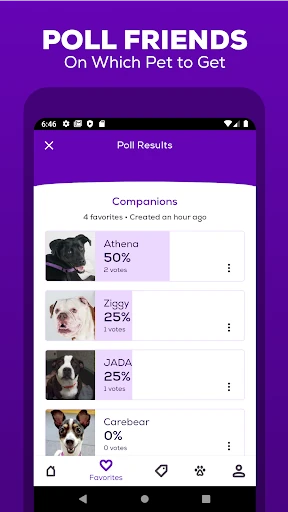
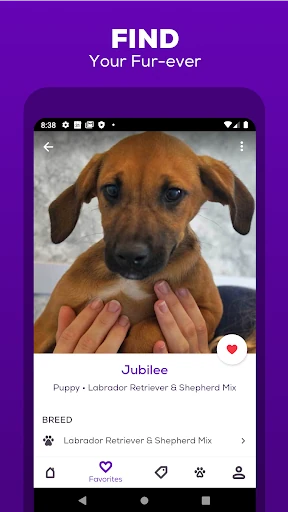
Each listing can include photos, videos and information about the animal, along with ways to contact the shelter or rescue group. The app also includes guidance for evaluating breeds and traits, including questions about children and allergies. That makes it more useful for early research than a simple classifieds-style browsing tool. You can share profiles with other household members when adoption is a joint decision.
Petfinder's main distinction is the breadth of its shelter-connected listings and the amount of filtering around them. A visual search option can help surface pets with a similar appearance to an image you provide, while standard filters are better suited to concrete requirements. The result is a tool for building a shortlist, not a replacement for speaking with the organization caring for the animal or checking its current availability.
The app is developed by NESTLÉ and has recorded 1,000,000+ installs. Its average rating is 4.65 out of 5 from 18,047 reviews. Those figures show substantial use and generally positive feedback, but they do not answer practical questions such as whether a particular listing is current or whether a specific pet suits your circumstances. Use the filters to reduce the field, then verify the details with the shelter or rescue group.